

Why Did My Smart Device Suddenly Go Offline? A Troubleshooting Guide
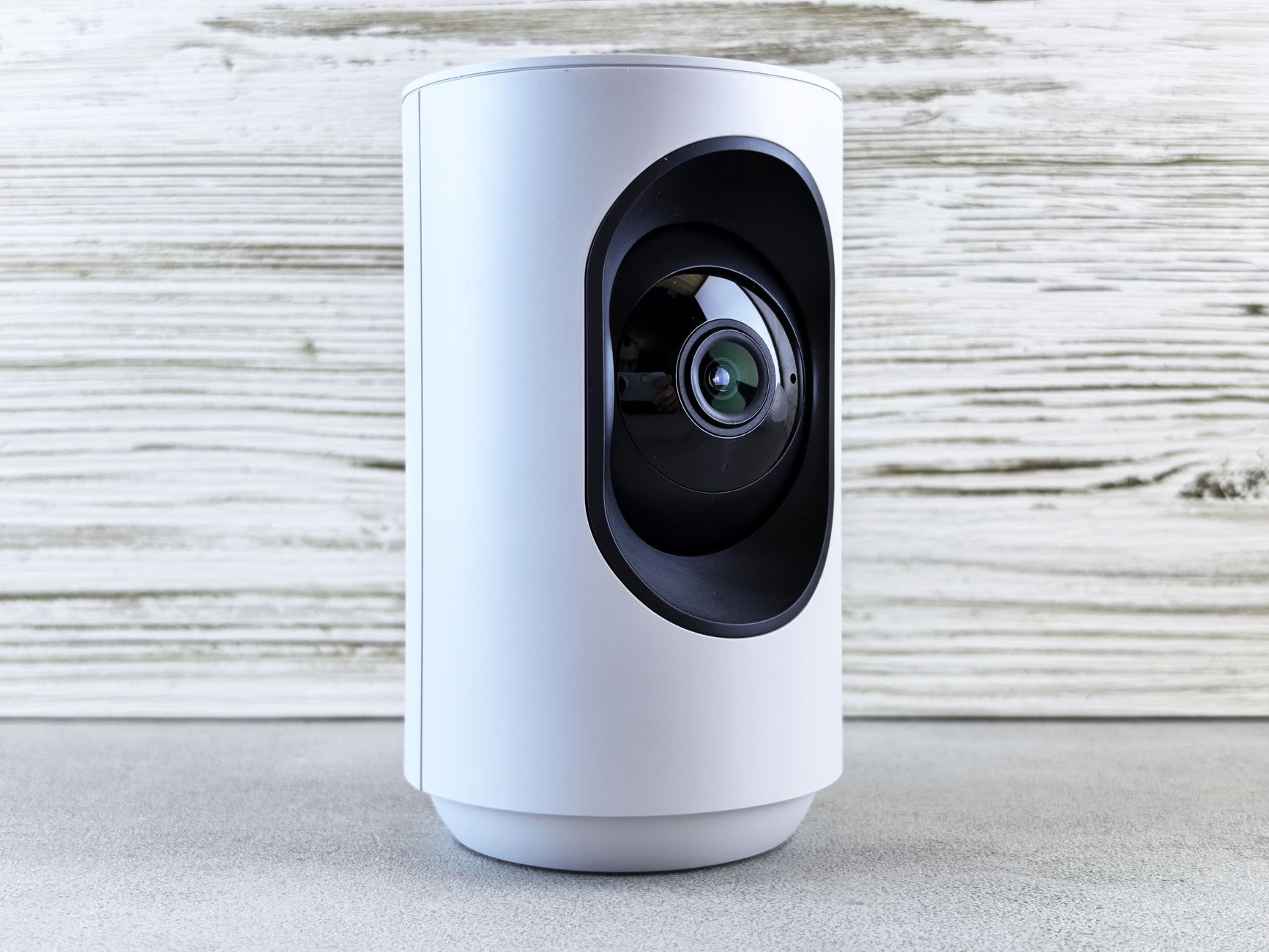
An outdoor camera or doorbell that suddenly goes offline usually has local Wi-Fi channel congestion or a drop in transformer voltage. Losing that connection while traveling leaves you without live video to check your doorstep. Package theft can go unseen until you get home.
Our post on questions to ask before a Ring camera installation in Ashburn covers more of the checks that matter.
Sometimes a home reboot is enough. Other faults need professional help installing Ring devices in Ashburn. Below, we explain how to narrow down the cause and which steps you can safely take yourself.
What's Inside This Guide
- Clear Indications Your Hardware Has Dropped Offline
- Underlying Technical Reasons Behind Sudden Disconnections
- Safe Homeowner Diagnostics and Practical Reset Steps
- When Voltage Drops and Wiring Call for an Engineer
- Preventative System Maintenance to Eliminate Future Dropouts
- Common Troubleshooting Questions Answered
- Restoring Long-Term Reliability for Your Property
Clear Indications Your Hardware Has Dropped Offline
Small warning signs often show up before smart equipment stops working. Catching them early gives you time to address power problems before leaving your Leesburg home for a long trip.
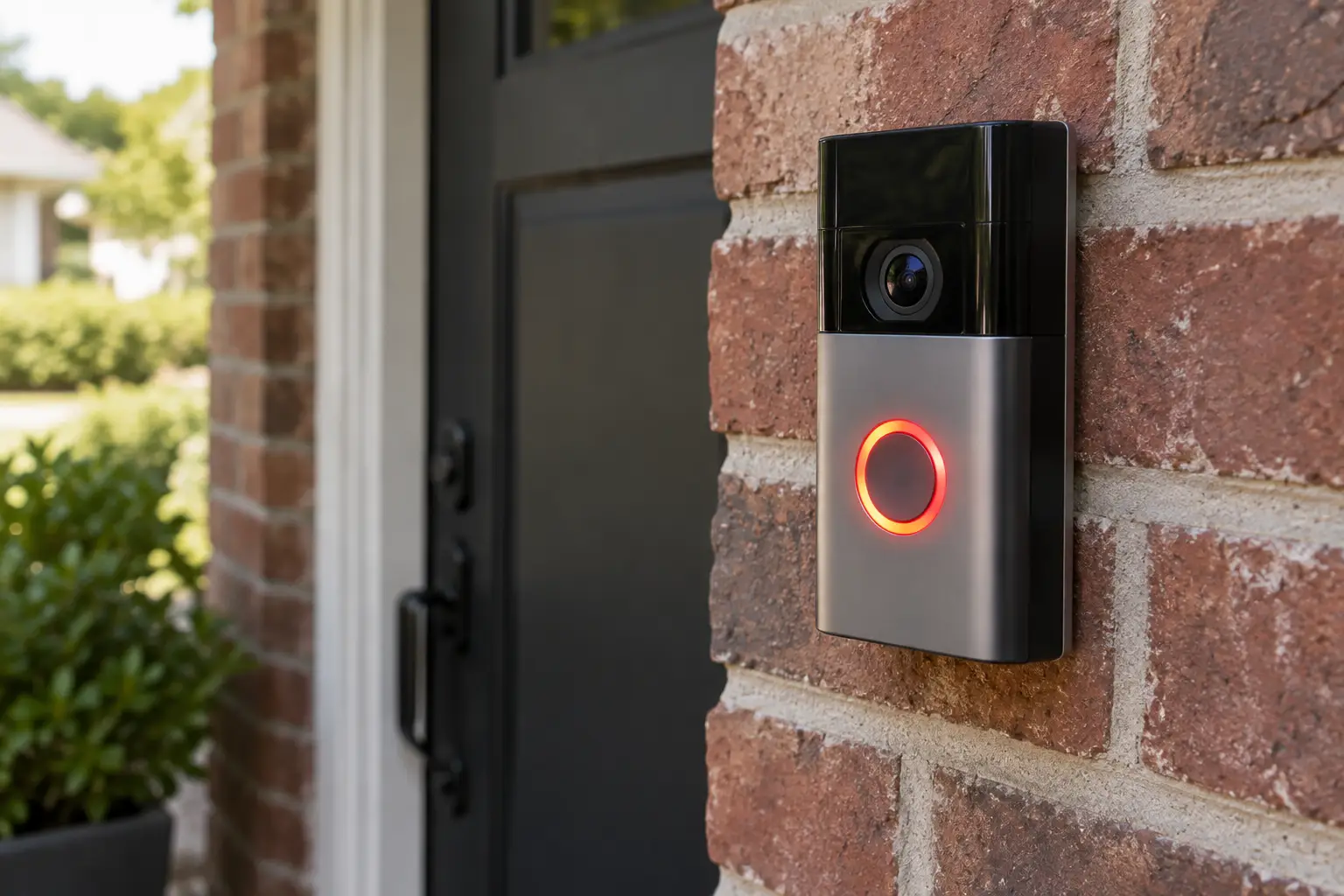
- Status LED indicators: The usual white or blue light changes to a solid red ring or a slow amber pulse.
- App communication errors: Your dashboard keeps showing "Device Unreachable" or "Streaming Error" instead of the live camera view.
- Delayed or missing push alerts: Pressing the doorbell no longer sounds the indoor mechanical chime, or motion alerts arrive several minutes late.
- Rapid battery drainage: Hardwired hybrid cameras lose charge quickly because a weak signal makes their radios transmit at maximum power.
- Mechanical buzzing: An unexpected hum from the doorbell chime box points to low voltage. Stop testing and turn off the breaker immediately.
Burning plastic smells or an unusually hot faceplate call for immediate action. Turn off the circuit breaker that supplies the device and contact our licensed team for an electrical assessment.
Underlying Technical Reasons Behind Sudden Disconnections
Smart home devices need a steady low-voltage power supply and a stable 2.4 GHz wireless connection. Trouble with either can take a camera offline, even if the other still works.
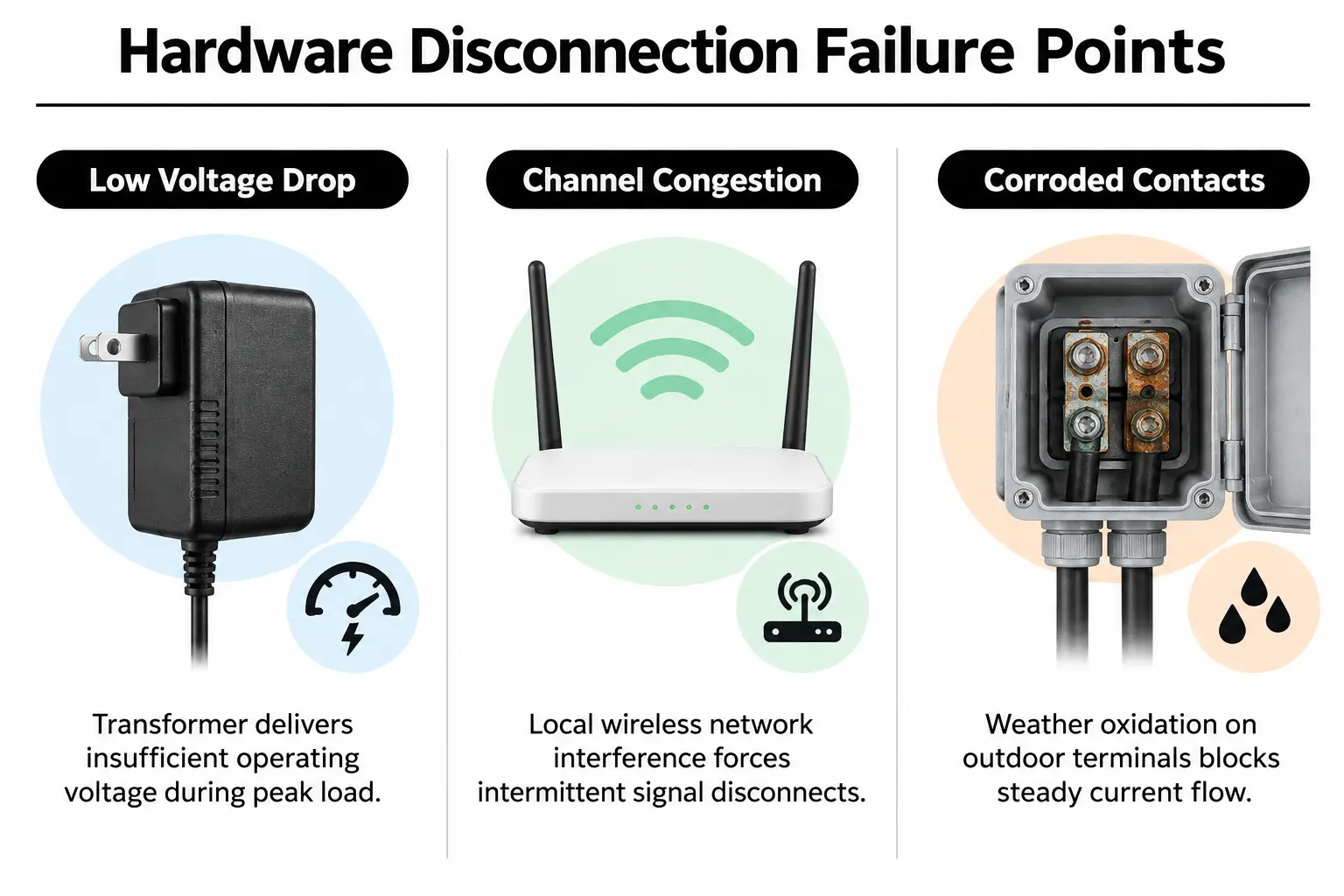
| Root cause | What you'll notice | Work needed |
|---|---|---|
| Voltage drop at the chime transformer | Device starts briefly, then resets whenever someone presses the doorbell. | Transformer replacement; ask for a quote |
| 2.4 GHz wireless interference | Video stutters or loses detail, and RSSI (signal strength) readings change rapidly. | Network settings need adjustment; ask for a quote |
| Corroded low-voltage terminals | Green corrosion or loose terminal screws appear on the outdoor mounting plate. | Terminal repair and resealing; ask for a quote |
| Dual-band mesh router switching between bands | Camera goes offline each time the router runs automatic overnight updates. | Fixed network assignment; ask for a quote |
Older doorbells often use 10VA transformers tucked away in utility rooms. Modern streaming cameras need a steady 16V to 24V AC supply to stay connected. Our guide to Nest and Ring installation costs in Stone Ridge explains why an inadequate power supply remains the leading cause of failure in home systems.
Safe Homeowner Diagnostics and Practical Reset Steps
Before writing off your camera, try these basic checks that don't require major work on the system.
Video: Troubleshooting an offline doorbell camera (Tech·WHYS)
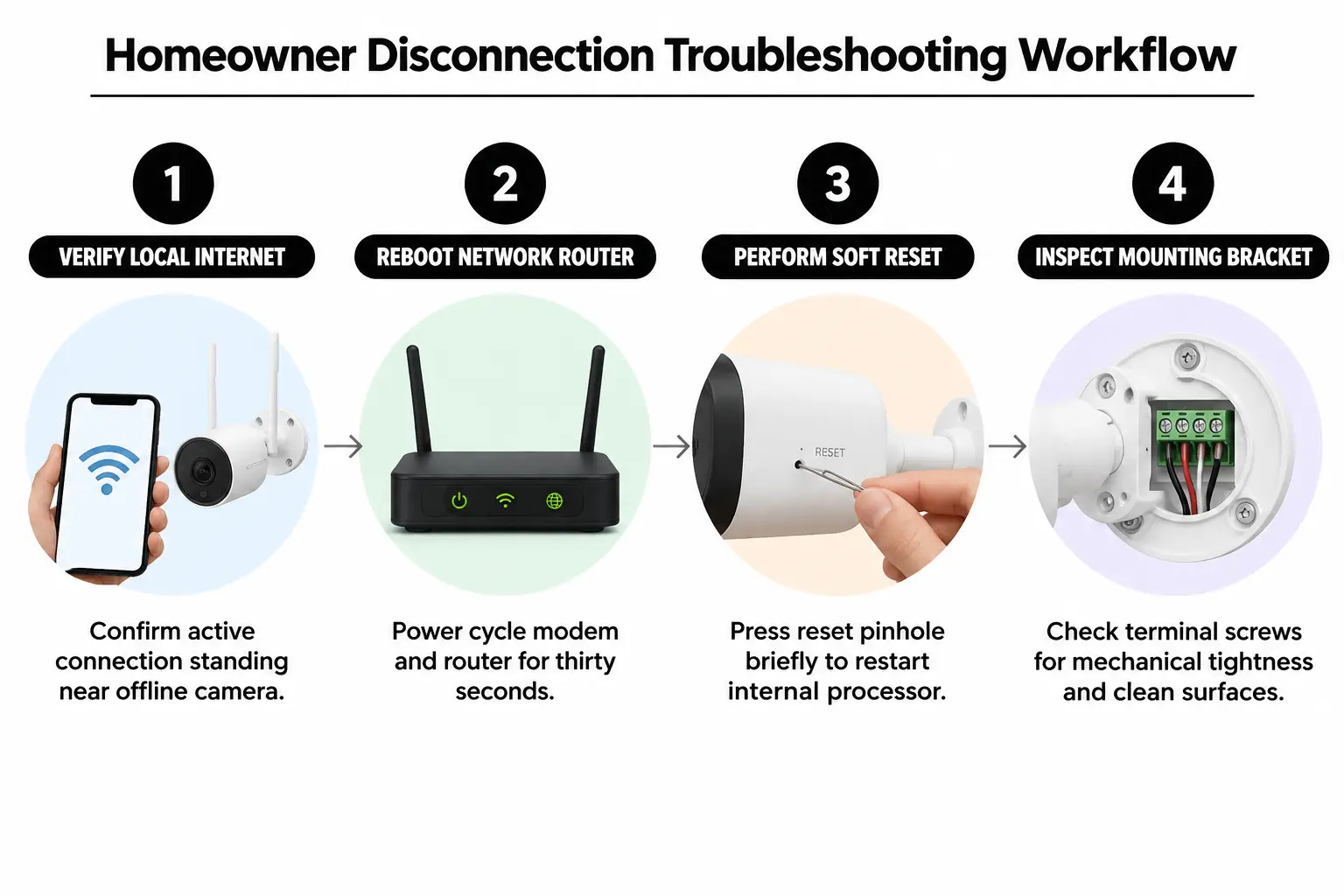
- Check your home internet connection: Stand beside the offline outdoor device and check that your phone can load websites through your home Wi-Fi.
- Restart the wireless access points: Unplug your main router and any mesh units for thirty seconds. This clears routing information so the network can assign local IP addresses again.
- Try a soft hardware restart: Follow the manufacturer's guide to press the reset pinhole briefly. Don't hold it long enough to erase the stored login details.
- Inspect the mounting bracket: Remove the security fastener and check that the terminal screws are snug and free of debris.
- Check the circuit breakers: Look in your main electrical panel for a tripped arc-fault circuit interrupter (AFCI) or dual-function breaker following a brief voltage surge.
Stop testing: Never measure exposed live wires if you see heat damage or broken wire insulation. Turn off power to the circuit immediately.
For a home with a complicated layout, plan the smart home system before installing devices. That planning makes sure wireless coverage reaches the full outside perimeter, rather than leaving a camera without a reliable signal.
When Voltage Drops and Wiring Call for an Engineer
Network restarts that don't help usually point us toward the home's copper wiring. Smart doorbells need steady current, but thin bell wires can lose too much voltage over long distances. Our advice on avoiding smart home wiring mistakes in South Riding explains why guessing at wire size leads to repeated outages.
We use an engineering-backed repair process to check the supply and find the fault:
- Test the transformer under load: A technician uses a digital multimeter to measure AC voltage while the camera transmits video. This checks whether the transformer can meet actual demand.
- Check wire continuity and resistance: Testing whether current flows properly through hidden bell wires reveals high-resistance connections inside walls.
- Measure wireless signals: Certified signal analyzers measure local Wi-Fi strength and expose dead spots caused by brick or low-emissivity glass, which has a heat-reflecting coating.
- Connect power at the breaker panel: Any replacement power source is installed to the standards in the NFPA 70 National Electrical Code.
Working equipment means you can check an important delivery instead of finding a blank screen. It also removes the uncertainty about your locks when you give a pet sitter temporary access.
Preventative System Maintenance to Eliminate Future Dropouts
Outdoor equipment has to keep working through summer storms and freezing winters. A regular maintenance schedule helps it stay connected and saves hours spent chasing faults after something stops working.
- Monthly app health check: Review RSSI, the signal-strength reading in your device settings. Readings worse than -65 dBm point to a weakening connection.
- Quarterly terminal cleaning: Remove faceplates and clean the surface contacts with electronics contact cleaner to stop corrosion.
- Twice-yearly router check: Reserve fixed IP addresses for cameras that stay in one place. This prevents network updates from assigning conflicting addresses.
- Annual transformer inspection: Look inside the mechanical chime enclosure for discoloration from heat, and listen for humming.
Following a smart home security maintenance checklist helps you avoid discovering a camera blind spot just before leaving town for a vacation.
Common Troubleshooting Questions Answered
Why does my smart camera drop offline specifically at night?
Infrared night-vision lights draw noticeably more current than the camera uses during the day. An already weak battery or power supply may not keep up. Switching those lights on can drop the device's internal voltage too low, shutting off its network radio.
Can extreme weather cause smart outdoor devices to disconnect?
Yes. Sub-zero temperatures reduce how well lithium-ion batteries deliver power, while summer humidity speeds up corrosion on unsealed outdoor terminals. Check that your outdoor fixtures have suitable IP ratings for protection against water and dust, under International Electrotechnical Commission standards.
Why did my device go offline after I updated my home Wi-Fi?
Many routers put their 2.4 GHz and 5 GHz bands under one network name. Most security devices use only 2.4 GHz and cannot handle the router's requests to switch bands. Separate the bands or assign a dedicated IoT (Internet of Things) network for smart devices.
Will resetting my device erase my subscription or cloud footage?
Turning the power off and back on keeps your account settings and cloud history intact. Holding the hardware reset pin for ten seconds, however, restores factory settings. After that wipe, you'll need to pair the device again through your phone app.
Restoring Long-Term Reliability for Your Property
Unexplained camera outages make it hard to trust your security system. At NovaProHome, we draw on over five years of electrical work and a background in electrical engineering. Our work goes beyond mounting devices on door frames: we build stable, hardwired systems that keep working while you're home or away.
For recurring disconnections, book an evaluation with NovaProHome. Our insured local team can assess the smart home system at your Leesburg property and identify the work needed to restore a reliable connection.
Ready to engineer your smart home?
Start with a free 20-minute discovery call. No pressure, no sales script — just a plan.